
 By admin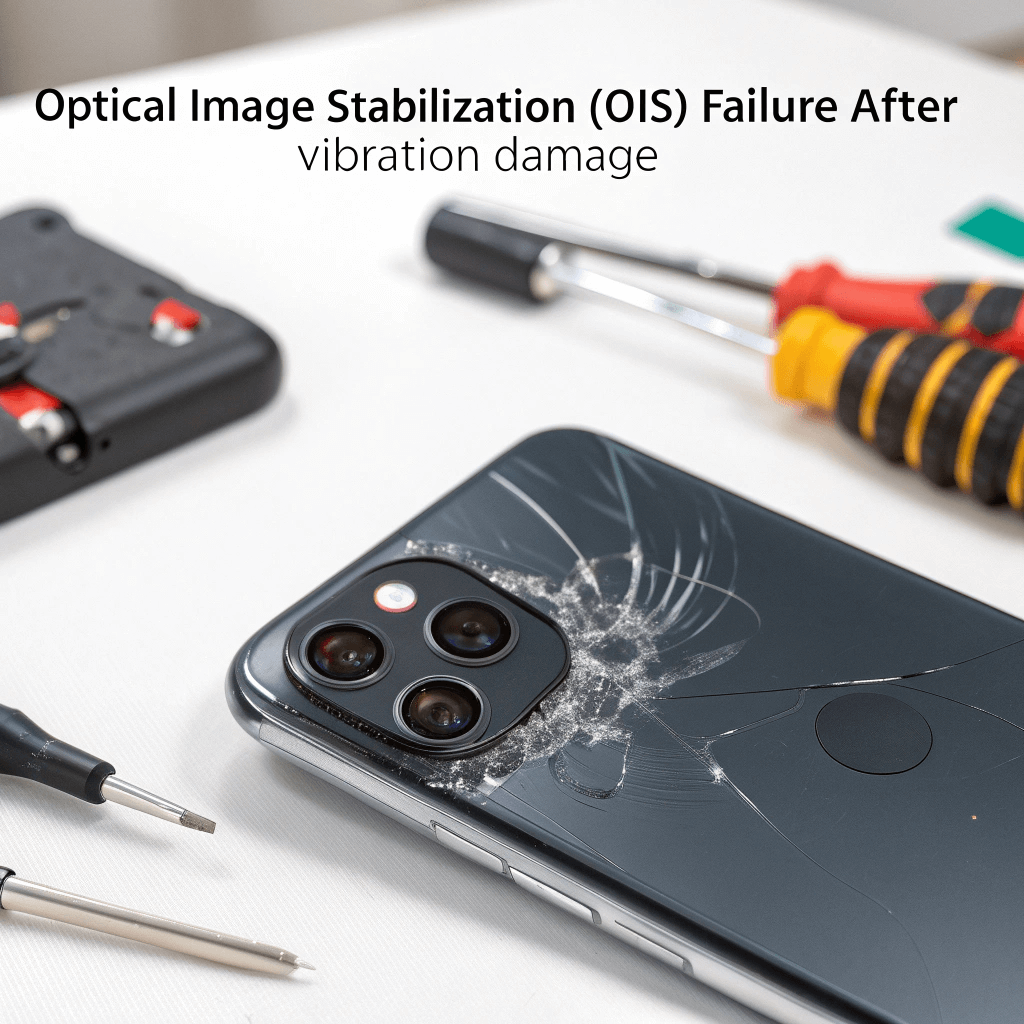
Picture this: You’ve just pulled over after a long, exhilarating ride on your motorcycle. The scenery is perfect—golden hour light hitting the mountains just right. You pull out your phone to capture the moment, open the camera app, and… chaos. The image on your screen is jittering violently, like it’s experiencing its own personal earthquake. You hear a faint, mechanical buzzing sound coming from the back of the phone. Your heart sinks. You haven’t dropped it, you haven’t smashed it, but suddenly, your high-end device feels broken. If this sounds familiar, you aren’t alone, and you definitely aren’t imagining things. This is a classic case of Optical Image Stabilization (OIS) failure, often dubbed “Shaking Lens Syndrome.”
While it feels like a software glitch, this is usually a physical hardware trauma. For anyone living in our area facing this issue, securing reliable Phone Repair Folsom is often the only way to restore that crystal-clear photography you paid for. In this guide, we are going to dive deep—really deep—into why this happens, the physics behind the failure, and exactly how we diagnose and fix it. We’ll strip away the jargon and look at the mechanical reality of modern smartphone cameras to help you decide your next move.
Section 1: The ‘Shaking Lens’ Phenomenon Explained
What Exactly Is Happening?
To understand why your camera is shaking, we first have to respect the incredible engineering inside it. Modern flagship phones—whether it’s the latest iPhone Pro Max or a Samsung Galaxy S series—don’t just have “cameras.” They have complex electromechanical systems packed into a space smaller than a sugar cube.
The star of this show is Optical Image Stabilization (OIS).
In the old days, if your hand shook while taking a photo, the picture was blurry. OIS fixed that. It works by “floating” the camera lens inside the phone housing using microscopic springs and electromagnets. When the gyroscope in your phone detects that your hand moved slightly to the left, the magnets instantly push the lens slightly to the right to compensate. This happens thousands of times per second. It’s what allows you to take smooth video while walking or crisp night photos without a tripod.
The Failure Point
The problem arises when that floating system encounters forces it wasn’t designed for. The “Shaking Lens Syndrome” occurs when those delicate springs are stretched, snapped, or worn out, or when the magnets are knocked out of alignment.
When this happens, the lens is no longer held gently in place. Instead, it’s loose. When the camera app powers on and tries to activate the stabilization magnets, the system gets confused. It tries to find the “center,” but because the mechanical stabilizers are broken, it enters a feedback loop. The lens starts vibrating uncontrollably, slamming back and forth against the housing.
That wave-like motion you see on your screen? That’s the lens physically thrashing around. That buzzing noise? That’s the sound of the lens hitting the walls of the camera module.
Section 2: The Motorcycle Connection (and Other Culprits)
The Role of Resonant Frequency
You might be asking, “I didn’t drop my phone, so how did this break?” The answer often lies in vibration, specifically high-amplitude, high-frequency vibrations.
This issue has become an epidemic among motorcycle riders. Mounting a phone to the handlebars of a bike—especially one with a high-torque engine—turns your phone mount into a vibration transmitter.
Engines generate vibrations at specific frequencies. When that frequency matches the “resonant frequency” of the OIS springs inside your camera, the energy is amplified. It’s the same physics principle that allows an opera singer to shatter a wine glass with their voice. The engine hums, the handlebars vibrate, and the tiny springs inside your camera module start to oscillate violently until they fatigue and fail.
Not Just Motorcycles
While motorbikes are the most common cause we see at the shop, they aren’t the only ones. We have diagnosed OIS failure caused by:
- Mountain Biking: Rigid mounts on trails can send sharp shockwaves through the device.
- Industrial Machinery: Leaving a phone resting on a heavy generator or compressor.
- High-Bass Speakers: Believe it or not, we’ve seen phones damaged after being used to record video while resting directly on a concert speaker stack.
Section 3: Diagnosing the Issue (Is It Software or Hardware?)
Before you panic, you need to confirm the diagnosis. Sometimes, a software glitch can mimic these symptoms, but there are tell-tale signs that point to permanent hardware damage.
The Ear Test
This is the most reliable DIY test.
- Go to a quiet room.
- Open your camera app.
- Put your ear against the back camera lens.
- Switch between photo and video modes.
The Verdict: If you hear a distinct zzzzzt or clicking sound that stops when you close the camera app, it is 100% a hardware failure. That sound is the OIS motor trying desperately to stabilize a broken lens. Software bugs are silent; broken hardware is noisy.
The “Magnet” Test
Some users find that placing a small magnet near the camera temporarily stops the shaking. Do not do this. While it might stop the shaking by forcing the lens into a fixed position, you risk damaging the other sensors or the screen. However, if you’ve already observed that magnetic cases affect the shake, it’s another clue that the magnetic stabilization system is compromised.
Focus Hunting
Does your camera refuse to lock focus? Does the image pulsate in and out of clarity? When the OIS is broken, the autofocus system (which often uses similar mechanics called Closed-Loop AF) also fails. The sensor cannot determine the distance to the subject because the lens is moving erratically.
Section 4: The Impact on Daily Use
Living with a phone that has Shaking Lens Syndrome is incredibly frustrating. We rely on our cameras for everything—scanning QR codes, depositing checks, video calling loved ones, and capturing memories.
- Bank Apps: Most banking apps require a clear auto-focus to deposit a check. A shaking camera makes this impossible.
- QR Codes: Scanning a menu at a restaurant becomes a battle of wills as the phone struggles to lock onto the code.
- Resale Value: A phone with a broken camera module loses significant value. Even if the screen is perfect, the device is considered “damaged” by trade-in programs.
It is not just an annoyance; it is a functionality killer.
Section 5: Repair Options and The Professional Fix
If you have confirmed the symptoms, the hard truth is that software updates will not fix this. No amount of factory resetting or iOS updating will repair a snapped spring or a de-magnetized actuator. The physical module must be replaced.
Why You Need Professional Help
Replacing a rear camera module on a modern smartphone is delicate surgery.
- Water Resistance: Opening the phone breaks the factory water-resistant seal. A professional repair shop will replace this adhesive to maintain the phone’s integrity.
- Component Density: The camera connectors are often buried under other ribbons and shields. One slip can damage the FaceID sensor or the motherboard.
- Part Serialization: On newer iPhones and some Androids, parts are “serialized” or paired to the motherboard. Swapping them without the right programming tools can result in “Unknown Part” warning messages or loss of specific features.
This is where our team comes in. Whether you have an iPhone 14 Pro or a Samsung S23, we handle these repairs daily. If you are looking for reliableiPhone Repair Folsom, our technicians have the specific tools to extract the damaged OIS unit and install a genuine OEM-grade replacement.
The Repair Process: Step-by-Step
When you bring a device with OIS failure to us, here is what happens:
- Diagnostic Verification: We confirm the shake isn’t caused by a loose connection.
- The Open: We use heat and suction to gently lift the display, careful not to damage the delicate ribbon cables.
- Shield Removal: We unscrew the protective plates covering the camera connectors.
- Extraction: The vibrating camera module is removed.
- Replacement: A new, tested module is installed.
- Calibration: We test the new camera for focus, stabilization, and clarity.
- Sealing: We re-apply water-resistant adhesive and seal the phone.
Section 6: Prevention Strategies
Once you get your camera fixed (or if you buy a new phone), you absolutely must change how you mount your device to avoid this happening again.
Vibration Dampeners are Mandatory
If you ride a motorcycle, you need a mount that includes a vibration dampener. Brands like Quad Lock and SP Connect offer add-on modules specifically designed to absorb the high-frequency engine buzz before it reaches your phone. These rubberized grommets act as a suspension system for your device.
Are they 100% safe? Nothing is 100% guaranteed, but a high-quality dampener reduces the risk by over 90%. Without one, it is not a matter of if your camera will break, but when.
The “Burner” Phone Method
Many serious riders have started using an older, cheaper phone purely for GPS duties on the bike, keeping their expensive main phone in a pocket or tank bag. Your body is the best vibration dampener in the world. A phone in your jacket pocket is almost perfectly safe from engine vibration.
Section 7: Cost Analysis – Repair vs. Replace
When faced with a broken camera, the instinct is often, “Well, maybe I should just buy a new phone.” Let’s look at the numbers.
- New Flagship Phone: $1,000 – $1,600.
- Camera Module Repair: Generally $100 – $250 (depending on the model).
Repairing the camera is almost always the most financially sound decision. The rest of your phone—the processor, the screen, the battery—is likely still in perfect condition. Replacing the whole car because the windshield wipers are broken doesn’t make sense; the same logic applies here.
Furthermore, keeping your current device in rotation reduces e-waste. It’s a win for your wallet and a win for the environment.
Section 8: Why Choose Local Repair?
There is a peace of mind that comes with being able to walk into a shop, talk to a human, and have them show you exactly what is wrong. Mail-in services can be slow, and official manufacturer repairs often require you to wipe your data or wait weeks for an appointment.
We pride ourselves on speed and transparency. We don’t hide costs, and we don’t perform unnecessary repairs. If we open your phone and find that it’s just a loose connector (rare, but it happens), we will tell you that, rather than charging you for a part you didn’t need.
We know the local community, and we know how important it is to have your device back in your hand quickly. We are your neighbors, and we treat your devices with the same care we treat our own.
Our Expertise
We stay updated on the latest schematics. When a new iPhone drops, we are already studying its internal layout. When a new Android update changes how the camera software interacts with the hardware, we are on top of it. This depth of knowledge ensures that when you trust us with your repair, it’s done right the first time.
Conclusion and Final Thoughts
The “Shaking Lens” syndrome is a heartbreaking issue because it turns a premium device into a frustration. But it is not a death sentence for your phone. It is a mechanical failure that can be reversed with the right parts and the right hands.
Don’t let a buzzing, blurry camera ruin your memories. Whether it was a motorcycle ride, a mountain bike trail, or just bad luck that caused the OIS to fail, the solution is straightforward. Verify the symptoms, stop mounting the phone without protection, and get the hardware replaced by professionals who know what they are doing.
If you are ready to get your camera steady and sharp again, come visit us. You can find our shop and see exactly where we are located by checking ourPhone Repair Folsom profile. We are ready to help you get back to capturing life, vibration-free.
FAQs
Q1: Will a vibration dampener guarantee my camera won’t break?
A1: While no solution is 100% foolproof, a high-quality vibration dampener significantly reduces the high-frequency energy that damages OIS systems. It is the single best investment you can make if you must mount your phone on a bike.
Q2: Can I fix the OIS shaking by placing a magnet near the camera?
A2: No. While this might temporarily stop the shaking by forcing the lens to freeze against the housing, it does not fix the broken springs. Worse, strong magnets can permanently damage the camera sensors or the screen.
Q3: Does this issue affect all phones?
A3: It affects phones with OIS (Optical Image Stabilization). Most flagship phones (iPhone Pro models, Samsung S series, Pixel Pro) have OIS. Budget phones that use only electronic stabilization are generally immune to this specific mechanical failure, but they have lower video quality to begin with.
Disclaimer
The information provided in this post is for educational purposes only. Attempting to repair modern smartphone hardware without proper training and tools can result in further damage, loss of water resistance, or battery safety hazards. Always consult a professional technician for hardware repairs.